The ASUS Chromebox 5a is an exceptionally robust mini PC designed to dominate the Google ecosystem.
It stands out for its cutting-edge connectivity (native support for up to 4 4K displays) and its silent efficiency.
It's not a heavy-duty gaming machine, but it's the perfect tool for offices with cloud-based workflows, remote work, educational environments, and digital signage seeking zero maintenance.
1. Technical Specifications and Configuration Options
The ASUS Chromebox 5a is marketed in three very clear power segments to suit any budget:
| Component | Basic (Signal) | Recommended (Office) | Advanced (Iris Xe) | Premium (Heavy Load) |
|---|---|---|---|---|
| Processor | Intel Celeron 7305 | Intel Core i3-1315U | Intel Core i5-1335U | Intel Core i7-1355U |
| Graphics | Intel UHD Graphics | Intel UHD Graphics | Intel Iris Xe Graphics | Intel Iris Xe Graphics |
| RAM | 4 GB DDR5 | 8 GB DDR5 (4800 MHz) | 8 GB / 16 GB DDR5 | 16 GB / 32 GB DDR5 |
| Storage | 64GB eMMC / 128GB SSD | 128 GB M.2 NVMe SSD | 256 GB PCIe Gen 4 SSD | 512 GB PCIe Gen 4 SSD |
| Networks | Ethernet 1G + Wi-Fi 6 | Ethernet 2.5G + Wi-Fi 6E | Ethernet 2.5G + Wi-Fi 6E | Ethernet 2.5G + Wi-Fi 6E |
2. Design, Construction and Ports (The Hardware)
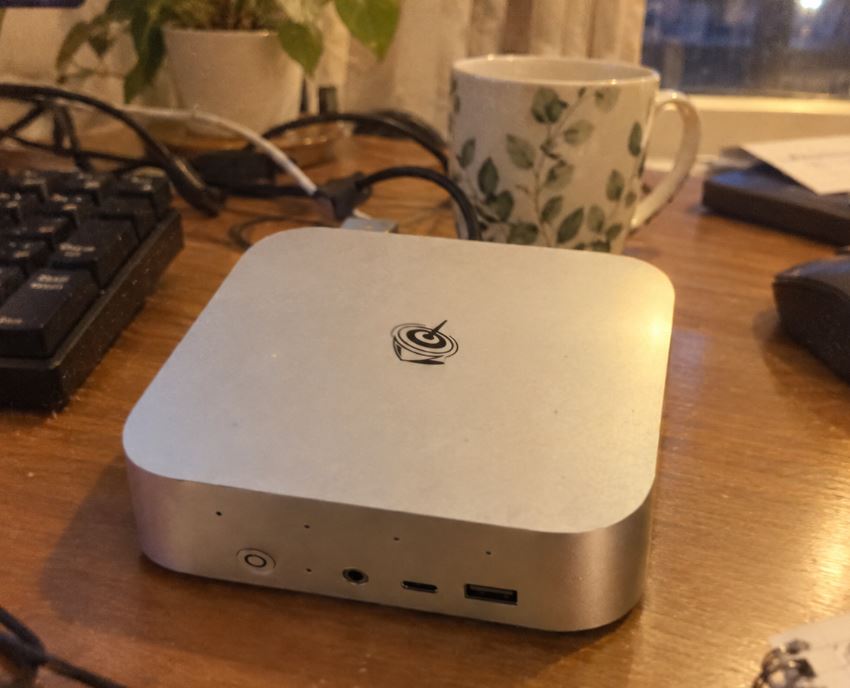
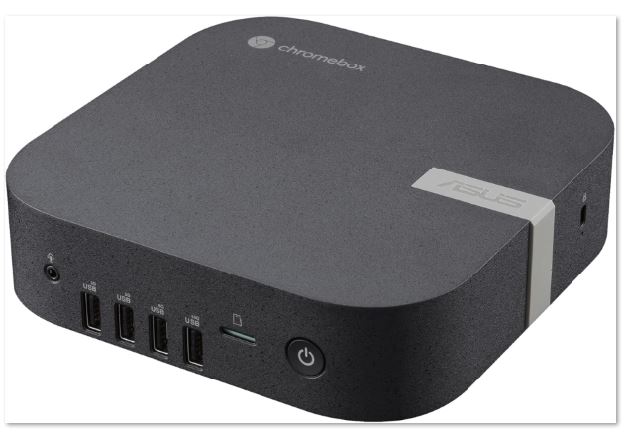
Compact and Eco-Friendly: Its textured black chassis is made from post-consumer recycled plastic. It measures only 16.6 x 16.5 x 4.6 cm and weighs a mere 816 grams (1.8 lbs). It includes a VESA mount for attaching it to the back of any monitor.
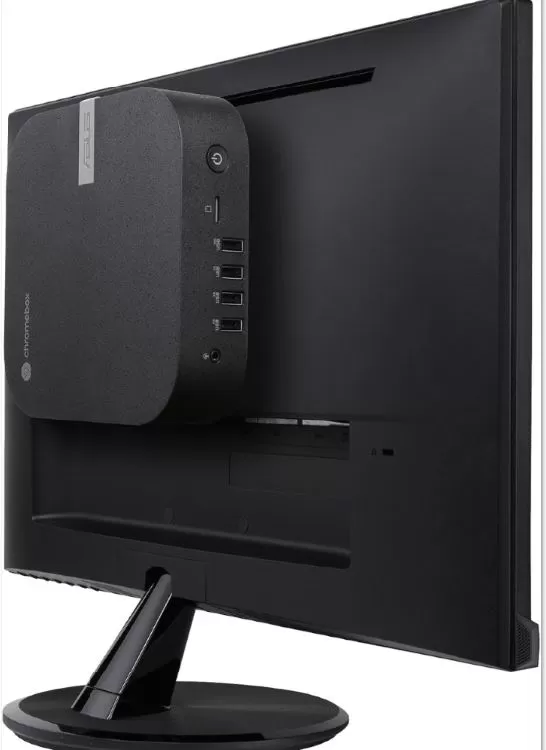
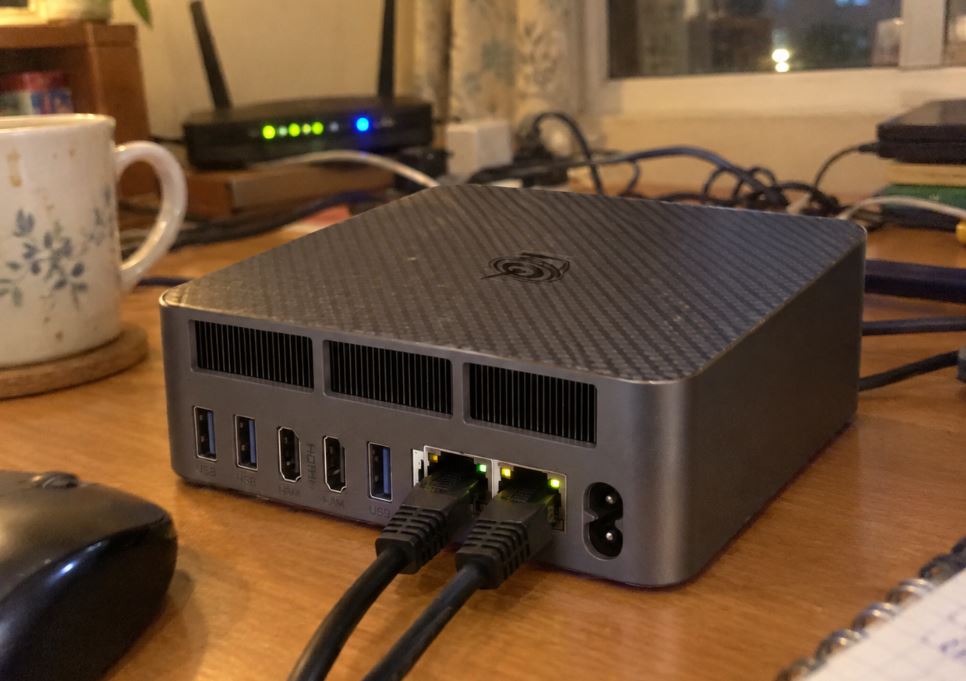
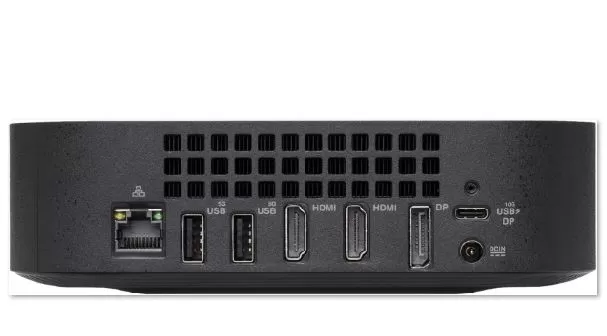
Massive Connectivity: This is its strong point with a total of 7 USB ports and multiple simultaneous video outputs:
- Quad-Display Video: 2x HDMI 2.1, 1x DisplayPort 1.4 and 1x USB-C / Thunderbolt 4 (supports 4K video transmission at 3840x2160 px).
- High-Speed Networking: 2.5 Gbps Ethernet port and dual-band Intel Wi-Fi 6E chip.
- Other Ports: MicroSD card reader, USB 3.2 Gen 2 connectors and Kensington security slot.
- Efficiency: 90 Watt power supply with Energy Star 8.0 certification.
 ç
ç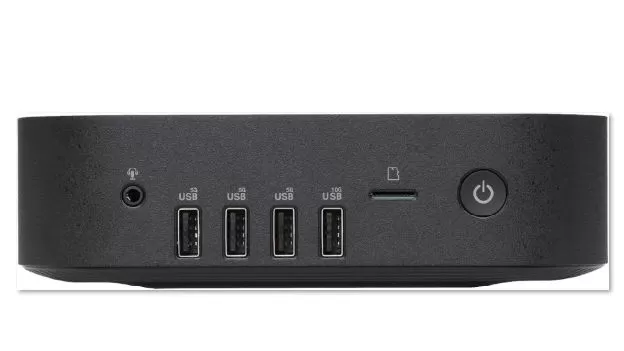
3. Everyday Performance (ChromeOS at its Limits)
- Web Productivity: Opening more than 30 tabs in Google Chrome, editing massive spreadsheets in Google Sheets, and making 1080p video calls in Google Meet simultaneously does not cause slowdowns.
- Quad 4K Support: Smoothly handles up to 4 4K monitors, perfect for control stations or financial analysts.
- Android and Linux Apps: The 4800 MHz DDR5 RAM allows you to run apps from the Google Play Store and lightweight Linux development tools effortlessly.

4. Advantages and Disadvantages
What we love (Pros)
- Quiet and cool even under maximum load.
- Native security with ChromeOS and unlimited updates for almost a decade.
- Ultra-fast 2.5 Gbps Ethernet network and Wi-Fi 6E.
- Minimum energy consumption (90W).
What could be improved (Cons)
- The 128 GB of the base model may not be enough if you use many local apps on Linux.
- The Core i3 model does not integrate Iris Xe graphics (available in i5 and i7).
5. Which version should you buy? (Sales Options)
Choose the recommended settings based on your intended use:
1. Intel Celeron Version (Ideal for Digital Signage or Kiosks)
Perfect as a multimedia player for the living room, basic schoolwork, or 24/7 advertising displays/digital kiosks in businesses.
RECOMMENDED QUALITY/PRICE
2. Intel Core i3 Version (Office and Teleworking)
The most balanced option. It delivers optimal performance with 8GB of DDR5 RAM to ensure longevity and smooth operation for the next 5-8 years.
3. Intel Core i5 / i7 Version (Maximum Power and Iris Xe)
Designed for advanced users who handle heavy databases, develop software on Linux, or require intensive 4K multi-monitor deployments with Intel Iris Xe graphics.