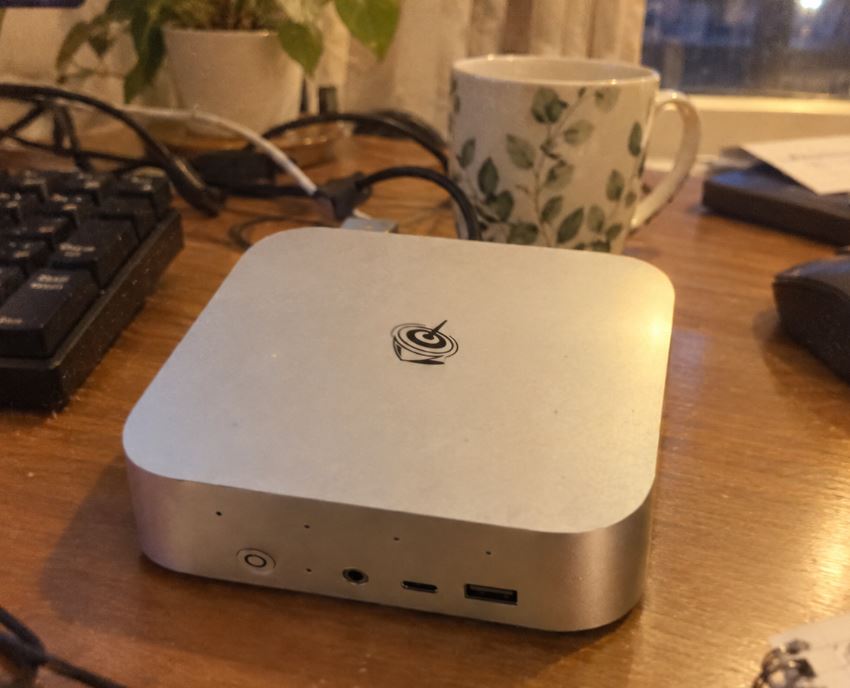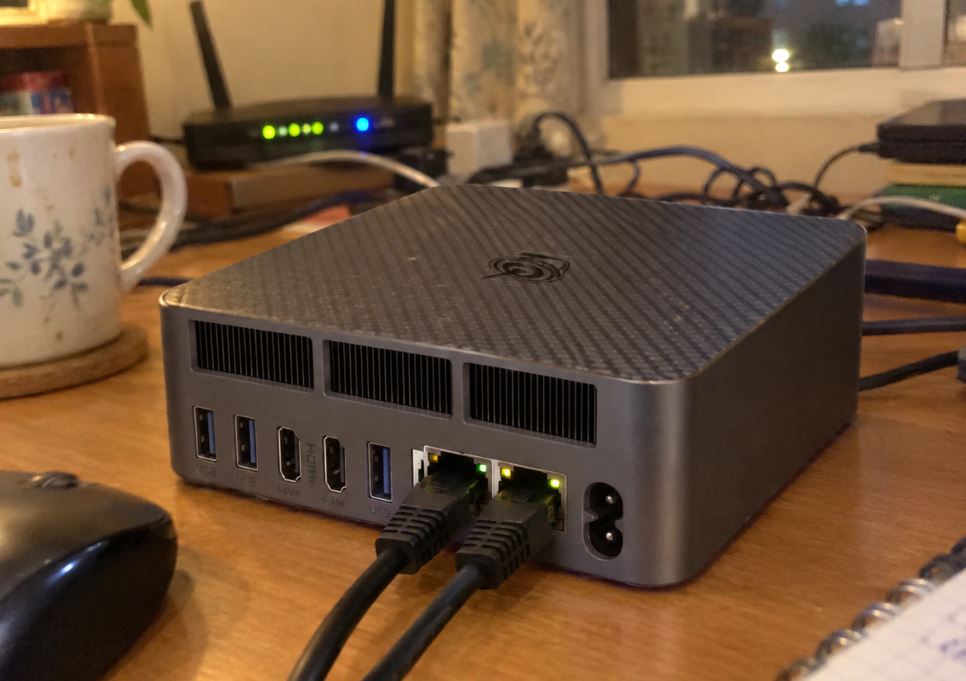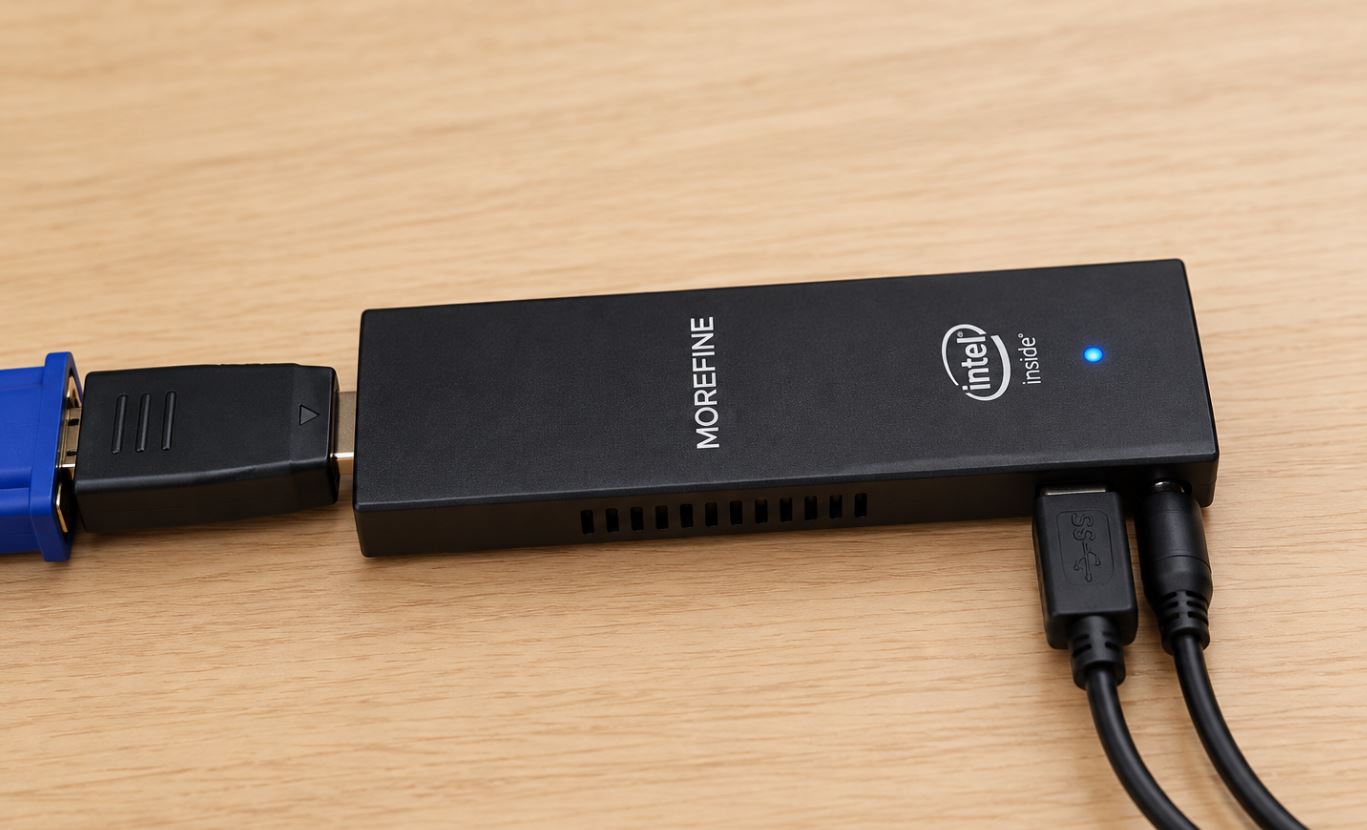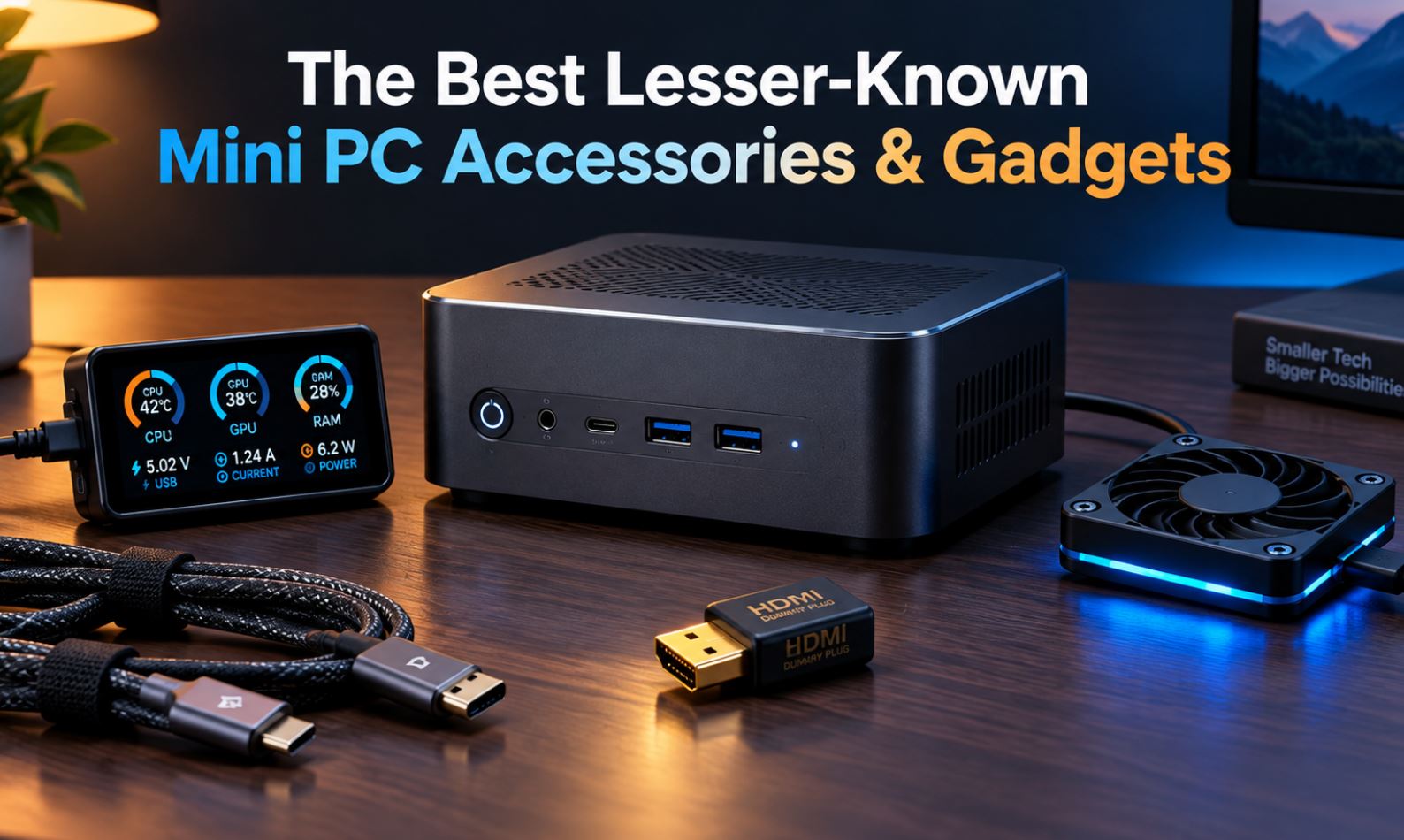
Mini PCs have become a staple on desktops and in network cabinets thanks to their small size, low power consumption, and sufficient power for everyday tasks or home servers. However, their compact form factor presents common challenges: a lack of front ports, bulky cables, high temperatures during intensive use, and difficulties when operating without a monitor.
To solve these problems without resorting to the usual generic peripherals, we've compiled six little-known niche accessories that transform the user experience.
1. "Headless Ghost" HDMI Connector (EDID Emulator)
If you use your mini PC as a home server, Proxmox node, or multimedia machine without a physical monitor connected ( headless ), it's very common to experience low resolution issues (800x600), frame drops, or black screens when accessing it via remote desktop using AnyDesk, Parsec, or RDP. This occurs because Windows and Linux disable hardware acceleration of the graphics card if they don't detect an active display.
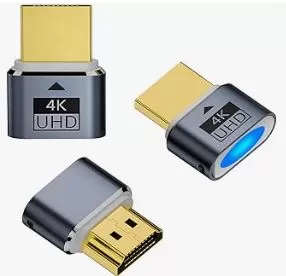
This tiny connector plugs into the HDMI output and tricks the GPU into simulating a permanently on 4K 60Hz monitor. It allows you to harness the full power of your remote graphics and select your desired native resolution without consuming any additional energy.
-
Key benefit: Unlocks full graphics acceleration and 4K resolution via remote desktop.
-
Purchase links:
2. USB-C PD Trigger Cable to DC Jack connector (5.5x2.5 mm)
One of the biggest drawbacks of many mini PCs is their tiny size coupled with a bulky external power adapter. If your computer uses a standard 12V or 19V DC power supply with a round plug, this cable eliminates the need for the original factory charger.
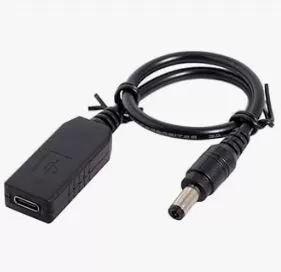
The connector integrates a Power Delivery ( PD trigger ) negotiator chip that automatically requests the exact voltage (e.g., 19V or 20V) from the GaN charger to power the device. With this accessory, you can power your mini PC, laptop, or mobile phone using a single compact 65W or 100W multi-port charger.
-
Key advantage: Replaces the traditional power block with a lightweight, universal GaN charger.
-
Purchase link:
3. Mini USB secondary display for telemetry (Turing Smart Screen)
Monitoring temperatures, CPU core load, or RAM usage often requires opening applications that take up space on the main monitor. These small 3.5- or 5-inch IPS displays connect to the back of the mini PC via a simple USB cable.
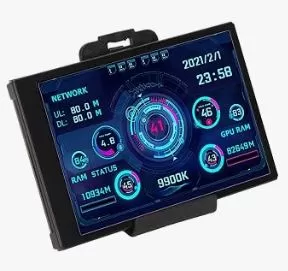
They do not require a secondary HDMI connection or consume graphics resources: they work using lightweight software that collects data from the system's sensors and displays it using customizable templates.
-
Key advantage: Real-time information on temperatures and resources without sacrificing desktop space on your screen.
-
Purchase links:
4. External mechanical power button for desktop
Many users choose to mount their mini PC behind the monitor with a VESA mount or screw it under the desk. While this leaves the desk completely clear, pressing the power button each morning becomes an awkward, blind maneuver.
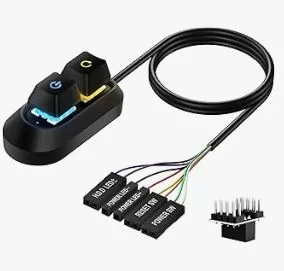
This gadget is a desktop power switch (similar to a gaming keyboard switch) that connects to the chassis or power pins. It features a long cable and an adhesive base for placement next to the keyboard or under the edge of the desk, allowing for immediate power-up without needing to touch the mini PC.
-
Key advantage: Power on your device instantly with an accessible button when the chassis is hidden.
-
Purchase link:
5. Silent 5V USB Fan with Speed Selector
Compact cases tend to generate a lot of heat during extended rendering, compilation, or continuous downloading sessions. A dedicated 80mm or 120mm USB-powered fan (like the low-profile models from specialized brands such as AC Infinity) makes a noticeable difference.
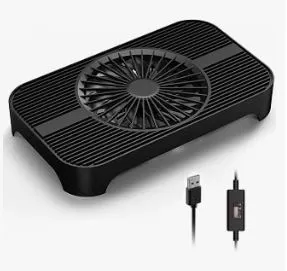
It features silicone rubber feet that dampen vibrations and a three-speed physical selector. When placed directly on the top vent or the base of the mini PC, it generates a forced airflow that reduces internal temperatures by 8°C to 14°C without producing annoying noise.
-
Key advantage: Dissipates accumulated heat in the chassis and avoids thermal throttling in an economical way.
-
Purchase link:
6. Double sandwich-type VESA mounts for articulated arms
The VESA mounting standard usually forces you to choose: either you use the rear holes of the monitor to hang the mini PC, or you use them to attach the screen to an articulated desktop arm.
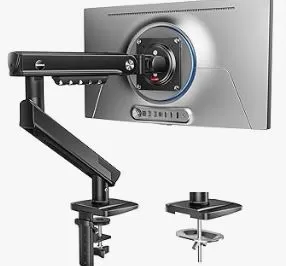
This steel adapter plate fits between the arm head and the monitor. It creates a floating side or bottom mount for the mini PC, maintaining full mobility of the articulated arm and leaving the desk completely free of cables and devices.
-
Key advantage: Allows you to mount the mini PC behind the screen without giving up the articulated desktop arm.
-
Purchase link:
Summary of utility and indicative prices
| Gadget | Approximate price | Ideal for... |
|---|---|---|
| HDMI Headless Ghost | €6 – €10 | Home servers and seamless remote desktop |
| Trigger USB-C to DC Cable | €8 – €15 | Clean trips and setups with a single GaN charger |
| Mini USB sensor display | €22 – €35 | Enthusiasts who want to control temperatures |
| External desktop button | €9 – €14 | Equipment hidden under the table or behind the screen |
| Silent USB Fan | €12 – €18 | Mini PCs with 24/7 charging or adequate ventilation |
| VESA sandwich plate | €15 – €22 | Maximize space with articulated arms |