Choosing the right equipment for remote work in 2026 boils down to a strategic decision between the mobility of a laptop and the cost-effectiveness per performance offered by a mini PC.
Both platforms have reached remarkable levels of maturity thanks to advances in low-power architectures, but they are designed for radically different work dynamics.
General comparison of architectures
Setting up a remote workstation requires evaluating what sacrifices you are willing to make regarding space, ergonomics, and budget.
| Dimension | Mini desktop PC | Notebook computer |
|---|---|---|
| Yield per euro | Superior: no battery cost, panel, or integrated keyboard | Lower: the chassis and screen increase the final price |
| Mobility | None or limited to moving the box between fixed desks | Overall: integrated battery and lightweight for travel |
| Standard ergonomics | Requires separate monitor, keyboard, and mouse | It requires the use of a support or external screen to avoid neck pain. |
| Multi-monitor support | Native support for 3 or 4 displays (HDMI, DP, USB4, OCuLink) | Usually limited to 1 or 2 external screens |
| Cooling and noise | Continuous airflow chassis; large, quiet fans | Thin heat sinks prone to thermal saturation under load |
| Hardware upgrade | Dual SO-DIMM slots and accessible M.2 bays | Frequent soldered RAM and a single storage slot |
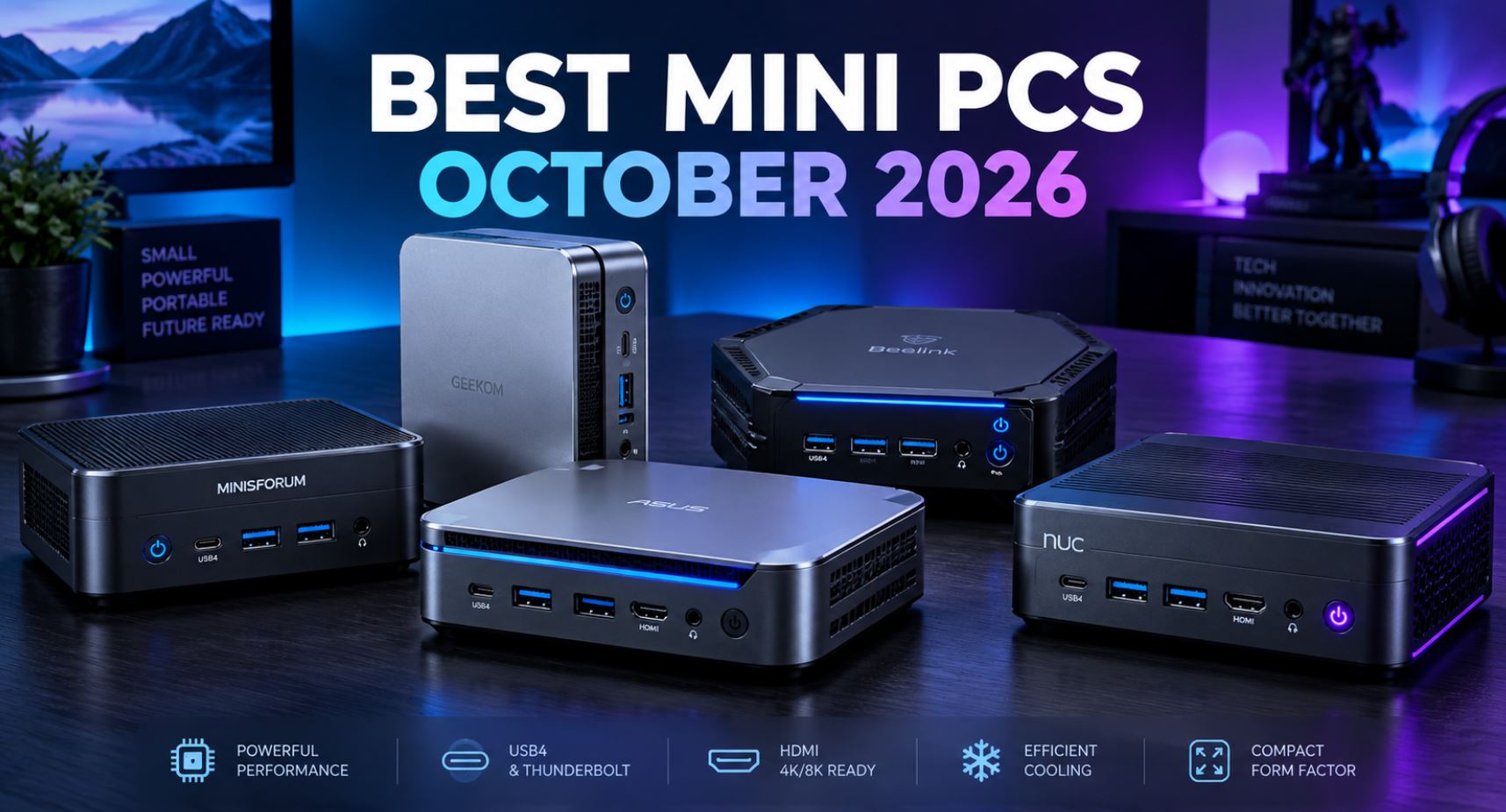
The 6 Best Mini PCs for Home Office
Mini PCs dominate permanent desktops thanks to VESA mounting and their advanced local network connectivity.
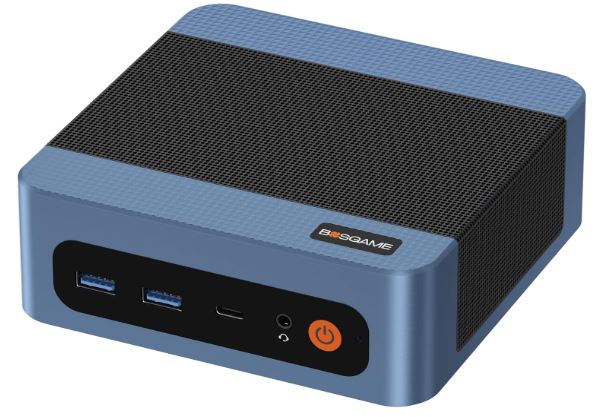
1. BOSGAME E5 Plus (Economical and versatile)
-
Processor: AMD Ryzen 3 5400U (4 cores / 8 threads, Zen 3 architecture)
-
Memory and Storage: 8 GB DDR4 (expandable up to 64 GB) + 256 GB M.2 SSD
-
Connectivity: Dual 2.5 GbE LAN ports, Wi-Fi 5, Bluetooth 5.0, triple 4K video output (HDMI + DisplayPort + USB-C)
-
Operating system: Windows 11 Pro
-
Approximate price: ~$219.99 / ~€205
-
Recommended profile: Administrative tasks, invoicing, reception positions or home micro-server / router with Linux support.
-
Buy:
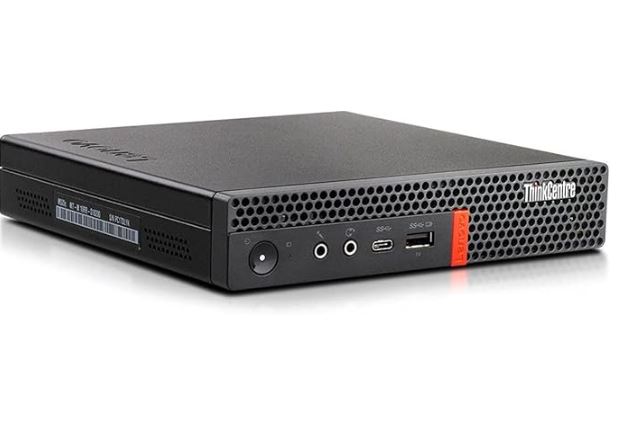
2. Lenovo ThinkCentre M920q Tiny (Refurbished Corporate Quality)
-
Processor: Intel Core i5-8500T (6 cores / 6 threads, TDP 35W)
-
Memory and Storage: 16 GB DDR4 + 256 GB SSD NVMe PCIe
-
Connectivity: Gigabit LAN, DisplayPort, HDMI, USB 3.1 Gen 2, Built-in Wi-Fi
-
Operating system: Windows 11 Pro
-
Approximate price: ~$244.29 / ~€228
-
Recommended profile: Users who prioritize the durability of enterprise-grade components over conventional Asian plastics.
-
Buy:
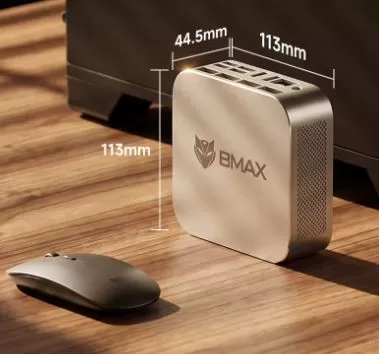
3. BMAX B7 A Plus (Power-price balance)
-
Processor: AMD Ryzen 5 6600H (6 cores / 12 threads, Zen 3+ architecture with Radeon 660M GPU)
-
Memory and Storage: 12 GB DDR5 + 512 GB NVMe SSD
-
Connectivity: Wi-Fi 6, Bluetooth 5.2, HDMI, USB Type C, Gigabit Ethernet
-
Operating system: Windows 11 Pro
-
Approximate price: ~$330.00 / ~€309.08
-
Recommended profile: Demanding standard remote work with dozens of browser tabs open and continuous 4K multimedia consumption.
-
Buy:
4. KAMRUI Pinova P2 (Fluid Office Automation without saturation)

-
Processor: AMD Ryzen 3 5425U (4 cores / 8 threads, turbo up to 4.1 GHz)
-
Memory and Storage: 16 GB DDR4 RAM + 256 GB M.2 SSD
-
Connectivity: Simultaneous triple 4K display, Ethernet RJ45, dual Wi-Fi, Bluetooth
-
Operating system: Windows 11 Pro
-
Approximate price: ~$339.99 / ~€315
-
Recommended profile: Traditional office jobs, ERP software, long video calls and complex office suites.
-
Buy:
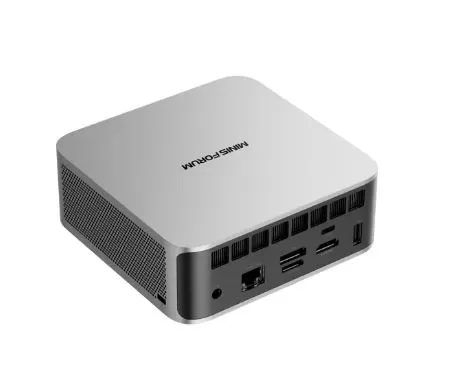
5. MINISFORUM AI X1 (High-end and preparation for AI)
-
Processor: AMD Ryzen 7 255 / Ryzen AI 9 (advanced architecture with integrated NPU)
-
Memory and Storage: 32 GB DDR5 + 1 TB SSD NVMe PCIe 4.0
-
Connectivity: Native OCuLink port for eGPU, DisplayPort 2.0, USB4, Wi-Fi 7
-
Operating system: Windows 11 Pro
-
Approximate price: ~$440.00 / ~€410.99
-
Recommended profile: Development workloads, running local AI models, and high-productivity multi-screen workstations.
-
Buy:
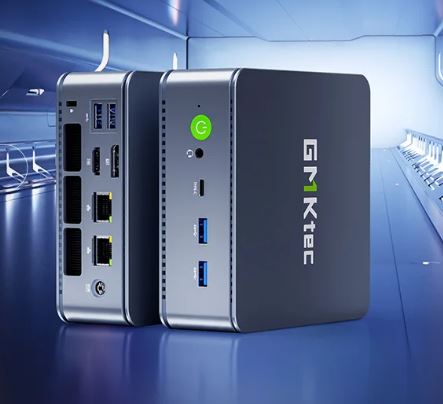
6. GMKtec M6 Ultra (Raw power in ultra-compact factor)
-
Processor: AMD Ryzen 5 7640HS (6 cores / 12 threads Zen 4, Radeon 760M RDNA 3 graphics)
-
Memory and Storage: 32 GB DDR5 RAM + 1 TB NVMe SSD
-
Connectivity: Full USB4 port, dual 2.5 GbE LAN, Wi-Fi 6, Bluetooth 5.2, triple 4K output
-
Operating system: Windows 11 Pro
-
Approximate price: ~$679.99 / ~€630
-
Recommended profile: Users who need to compile heavy code, do graphic editing, or keep virtual machines running in the background.
-
Buy:
The 6 Best Laptops for Home Office
If you need to move your office between different rooms, cafes, or business trips, these models stand out for their balance between screen and battery life.
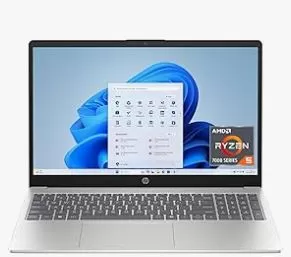
1. HP 15.6 Laptop
-
Processor: AMD Ryzen 5 7520U (4 cores / 8 threads)
-
Memory and Storage: 8 GB LPDDR5 + 512 GB NVMe SSD
-
Screen: 15.6-inch HD touchscreen
-
Operating system: Windows 11 Home
-
Approximate price: ~$528.90 / ~€490
-
Recommended profile: Light teleworking, document writing, email management and domestic billing.
-
Buy:
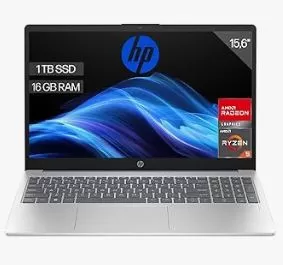
2. Dell 15.6 Laptop
-
Processor: AMD Ryzen 5 7520U with Radeon 610M graphics
-
Memory and Storage: 8 GB / 16 GB RAM + NVMe SSD
-
Screen: 15.6-inch Full HD (1920x1080) anti-glare
-
Operating system: Windows 11 Home
-
Approximate price: ~$549.99 / ~€510
-
Recommended profile: Users looking for the sturdiness of a traditional chassis and Dell's characteristic technical service.
-
Buy:
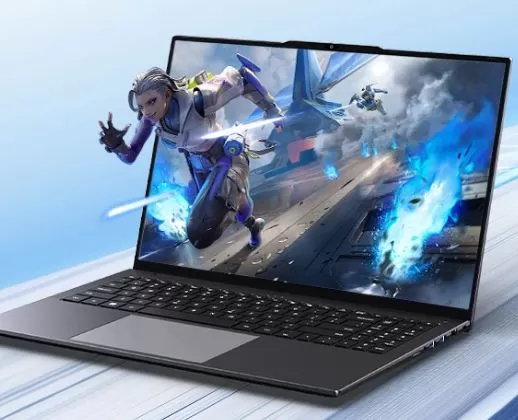
3. CHUWI CoreBook Plus 16"
-
Processor: Intel Core i5-12450H (8 cores / 12 threads, high-performance series)
-
Memory and Storage: 16 GB RAM + 512 GB SSD
-
Screen: 16-inch FHD IPS with metal chassis
-
Operating system: Windows 11
-
Approximate price: ~$605.00 / ~€563.69
-
Recommended profile: Intensive work with large spreadsheets thanks to its large 16-inch screen and H-class processor.
-
Buy:
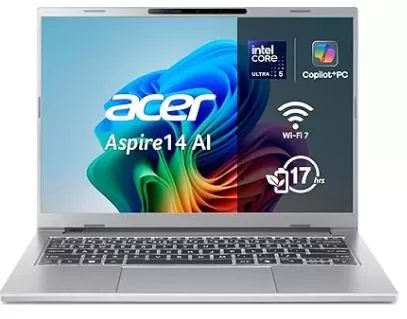
4. Acer Aspire 14 AI Copilot+ (A14-52MT-59DP)
-
Processor: Intel Core Ultra 5 226V (Lunar Lake architecture with 40 TOPS NPU)
-
Memory and Storage: 16 GB LPDDR5X + 1 TB PCIe Gen 4 SSD
-
Screen: 14-inch WUXGA (1920x1200) touchscreen
-
Operating system: Windows 11 Home
-
Approximate price: ~$597.86 / ~€555
-
Recommended profile: Digital nomads and mobile professionals who demand all-day battery life and advanced AI features.
-
Buy:
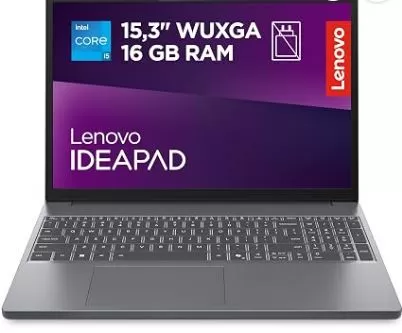
5. Lenovo IdeaPad Slim 3
-
Processor: AMD Ryzen 7 5825U (8 cores / 16 threads)
-
Memory and Storage: 16 GB DDR4 + 512 GB SSD
-
Screen: 15.6-inch Full HD touchscreen
-
Operating system: Windows 11 Home
-
Approximate price: ~$709.90 / ~€660
-
Recommended profile: Heavy multitasking; its 8 real core configuration prevents performance drops with multiple programs running at the same time.
-
Buy:
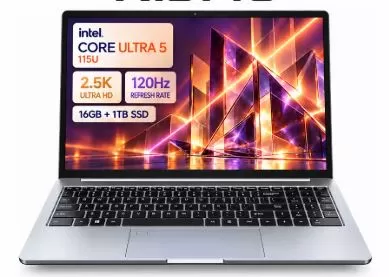
6. Ninkear N16 Pro
-
Processor: Intel Core Ultra 5 115U
-
Memory and Storage: 16 GB LPDDR5 + 1 TB NVMe SSD
-
Screen: 16-inch IPS 2.5K at 120Hz with narrow bezels
-
Operating system: Windows 11 Pro
-
Approximate price: ~$798.00 / ~€743.87
-
Recommended profile: Professionals who spend entire days reading code, analyzing data, or writing and need to reduce eye strain.
-
Buy:
Key criteria for making the decision
Evaluate three essential aspects before buying:
-
Initial investment: If you already have a monitor, keyboard, and mouse in your office, a mini PC is the winning option. For around €310 to €410, you can get 6- or 8-core systems with 16 to 32 GB of RAM (like the BMAX B7 A Plus or the MINISFORUM AI X1), while an equivalent laptop costs around €600 to €750.
-
Desktop ergonomics: Working directly on a laptop screen at table height causes neck and shoulder strain after just a few hours. Unless you purchase a laptop stand and external peripherals (effectively turning it into a desktop computer), a mini PC offers a healthier working posture from day one.
-
Multi-monitor ecosystem and networks: Mini PCs typically integrate dual 2.5 GbE Ethernet interfaces and ports such as USB4 or OCuLink, allowing for the native connection of up to three or four 4K monitors or the future repurposing of the machine as a home server (NAS, homelab, or virtual machine). Laptops, on the other hand, prioritize wireless connections and limit external video outputs.