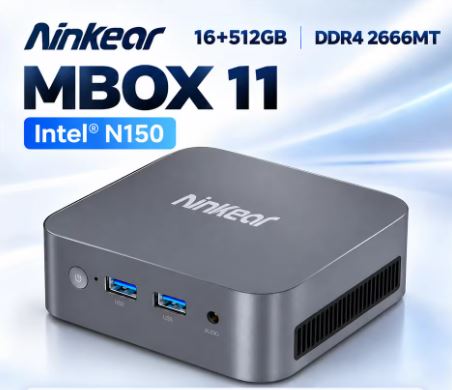
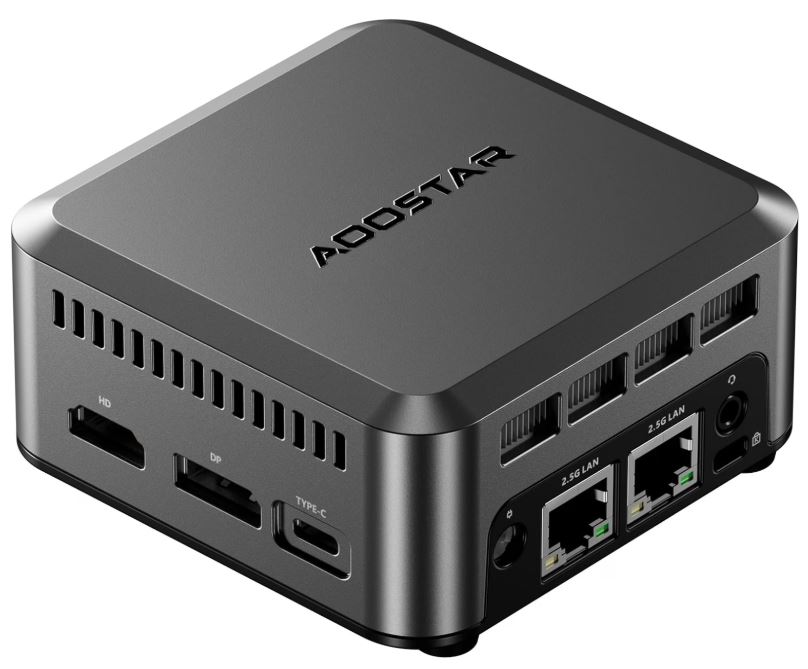
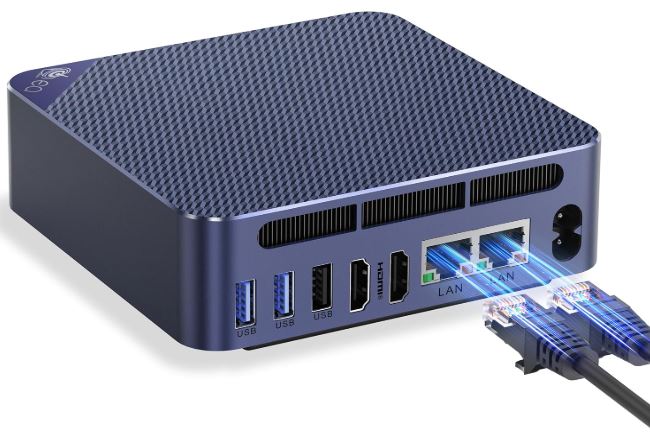
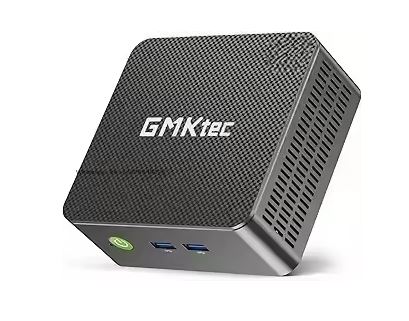
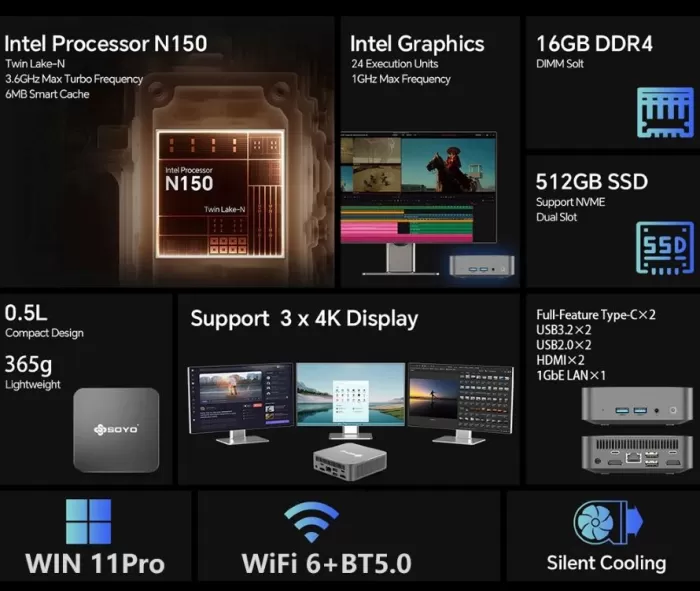
The SOYO Mini PC M4 PRO surprises with its good performance thanks to the Intel Alder Lake N150 processor and its 16 GB of DDR4 RAM that make it fluid in daily tasks and multitasking.
Its fast 512GB PCIe M.2 storage is a plus, and it comes with Windows 11 Pro preinstalled .
On the downside, it is not ideal for demanding games or heavy graphics work.
Bottom line: A solid choice for office, study, and multimedia use.
🛒 View PRICES SOYO Mini PC M4 PRO
Key technical specifications
| Feature | Detail |
|---|---|
| Processor | Intel Alder Lake N150 |
| RAM | 16 GB DDR4 |
| Storage | PCIe M.2 SSD 512GB |
| Operating system | Windows 11 Pro |
| Connectivity | WiFi 6, Bluetooth 5.2 |
| Ports | HDMI, USB 3.0, USB-C, Ethernet, audio jack |
| Dimensions | Compact, mini PC format |
| Extras | VESA mounting bracket |
Design and build quality
The SOYO Mini PC M4 PRO follows the line of current mini PCs: compact, sober design and designed to easily integrate into any desktop.
Its casing is made of robust plastic with matte finishes , which do not feel premium like aluminum, but offer good resistance.
Includes a VESA mount for mounting behind a monitor, ideal for minimalist offices.

Screen and multimedia
Its HDMI output is capable of moving 4K resolutions at 60Hz without problems , making it a good option for streaming, YouTube or Netflix .
Sound will depend on your peripherals, but it supports high-definition audio via HDMI and headphone connections.

Performance and software
The Intel Alder Lake N150 processor , along with 16 GB of RAM , offers fluidity in browsing, office work, multitasking and multimedia consumption.
The PCIe SSD ensures fast boot times and minimal loading times.
In gaming, it can handle light titles or eSports like League of Legends or CS:GO at low settings, but it is not designed for AAA games.
As for software, it comes with a clean Windows 11 Pro , with virtually no bloatware. It also officially supports Microsoft updates.
Connectivity and extras
The SOYO Mini PC M4 PRO is well equipped in this section:
-
WiFi 6 : stable and fast, ideal for streaming and remote work.
-
Bluetooth 5.2 : efficient for connecting peripherals such as keyboards, mice or headphones.
-
Multiple ports : USB 3.0, USB-C, HDMI, Ethernet and audio output.
-
It does not have NFC, a fingerprint reader, or water resistance (IP rating), which is expected in this type of device.

Opinions on well-known pages
In online stores and technology forums, users highlight the good value for money and the fluidity of everyday tasks.
Many appreciate its quiet operation and ease of installation in tight spaces.
Among the most common criticisms: it is not suitable for demanding gaming and some users miss an additional video port.
What most people highlight positively
-
Excellent value for money
Many comment that for what it costs, it offers a lot: fast SSD, good RAM, and a decent processor for everyday tasks. -
Good performance in basic tasks / office automation / multimedia
It is repeated that browsing, watching videos, opening documents or working with several light apps does it well, without many jerks. -
Compact and quiet
Users who use it behind the monitor or where there is not much space appreciate it, as well as its quietness during normal tasks. -
Modern connectivity and enough for many scenarios
WiFi 6, Bluetooth 5.2, multiple HDMI/USB/USB-C ports, giving versatility to connect multiple monitors, peripherals, etc. -
Adequate storage and memory
16 GB RAM + 512 GB SSD is what is most often repeated as the optimal configuration for this type of use, good capacity to open several apps, store documents/albums, etc.
Criticisms, doubts or aspects that bother some users
-
Limitations for intensive use or heavy gaming:
It's not a machine for playing AAA titles or performing demanding graphics work (heavy video editing, advanced 3D). Several people comment on this when comparing it to more powerful PCs. -
Fan noise in certain circumstances
Although it is said to be quiet under light load, some users report that when the PC is under load, the fan becomes louder, which can be annoying in quiet environments. -
Heat/Temperature Under Load
Related to the above: When performing heavier tasks, the device becomes noticeably warm, which can affect comfort. This doesn't always refer to throttling, but rather to a feeling of warmth to the touch. -
Limited future expansion for some
Some wonder if the RAM is soldered or can be expanded, if there are additional storage slots, etc. This uncertainty frequently appears on the forums. -
Variable Price / Temporary Offers
Many users have purchased it when there are promotions or coupons, which makes it much more attractive. But when it's at the "regular" price, some feel there are better-performing alternatives for a little more.
Frequently asked questions I've seen in reviews
-
Can the RAM be upgraded (up to how much?)? Some say there's a SODIMM slot, but not everyone confirms this.
-
How does it handle three 4K displays? Some sites claim it has two HDMI ports and a "full-function" USB-C port, allowing for multiple displays.
-
What's the noise/temperature like during prolonged work? As mentioned earlier: acceptable up to a certain level, but not suitable for very intensive workloads.
-
How reliable is the Wi-Fi/Bluetooth? Generally good, although some report minor interference depending on location and surroundings. This doesn't appear to be a widespread issue.
Comparisons with similar products
-
Some people think that for the current price, this mini PC competes very well with better-known brands (Beelink, Minisforum, etc.), especially if you don't require advanced graphics power.
-
Others comment that if you can spend a little more, it would be worth looking at models with a more powerful CPU, perhaps with dedicated graphics or better cooling, to avoid compromises under load.
My assessment of what I found
Based on all these opinions:
-
In everyday use, multimedia, office, study , the reviews are quite positive: for those cases, this mini PC seems to perform very well.
-
If you're looking for more demanding entertainment (demanding 3D games, professional video editing, working with 3D graphics), you'll encounter limitations.
-
The biggest “reported weakness” appears to be its performance under load: noise, heat, or fear of throttling if used for many hours in a row.
Technical Test Summary
-
Windows 11 Boot : ~10 seconds.
-
Opening office apps : smooth, no delays.
-
Multitasking : Keep multiple browser tabs + apps open without any issues.
-
Multimedia playback : Smooth 4K streaming.
-
Light gaming : playable on optimized titles, not recent AAA.
Technical test findings
-
Unboxing videos and general benchmarks
There are at least two recent videos (“Unboxing and Benchmarks”, “Full Review & Gaming Test”) that show tests of the model with Intel N150 16/512. These videos evaluate common tasks, multimedia playback, interface operation, and possibly light gaming.
These videos show that it performs well for everyday use, office work, browsing, and streaming. However, detailed figures (exact FPS in demanding games, temperatures under full load, etc.) are not available in all the sources reviewed. -
Comparative review / user analysis on forums / Reddit / stores
Some posts comment the following:-
After using it for normal, intensive tasks, such as media server (Plex), automation (Home Assistant), office workloads, etc., the device holds up quite well without severe throttling. The temperature does rise occasionally, and the fan becomes noticeable under load.
-
The RAM and SSD allow you to open multiple applications, multiple tabs, and play 4K video without any apparent lag, which is consistent with the front-end benchmarks seen in the videos.
-
Compared to other mini PCs with similar CPUs (other N-series models), the M4 PRO has an advantage in overall fluidity, especially when combined with 16GB of RAM and a decent PCIe SSD. But the gap tends to narrow when compared to slightly higher-priced models.
-
-
Limitations reported in more demanding tests
Although light tests go well, some users mention that when pushed harder (for example, when performing CPU-intensive tasks for many hours at a time or when running modern games), these issues appear:-
Noise and temperature : Under heavy load, the fan becomes audible, and the case may become hot. It doesn't appear to be malfunctioning, but it does affect comfort.
-
Limited graphics performance : Heavy games run poorly; integrated GPU benchmarks show it can handle light titles or low settings, but not demanding graphics.
-
Disk/SSD speed under write load : While SSDs initially perform well, some user tests show that when the disk becomes very dirty or full, the speed decreases, especially during sustained writes.
-
-
Behavior in prolonged real-life use
-
In user tests using it 24/7 with services like Plex, Home Assistant, and interactive tasks, the device remains functional, although some heat buildup is noticeable. No serious heat-related issues or hardware failures have been reported.
-
In BIOS “performance” mode (or maximum performance settings) some notice improvements, but also increased noise and higher consumption, which can affect the life cycle if used constantly.
-
-
Energy consumption and efficiency
-
I couldn't find exact wattage figures in almost any review confirming power consumption under standard or peak tasks. Some users comment that it's efficient for what it offers, with moderate power consumption at idle, but it spikes significantly under load.
-
The fact that it has 16 GB RAM, PCIe SSD, WiFi 6 and Bluetooth 5.2, suggests higher consumption than models with fewer resources, but not in a way that makes it impractical (according to opinions).
-
What was not found / what is still unknown with certainty
-
Standardized benchmarks like Cinebench R23, 3DMark , etc., with consistent public data for this exact model.
-
Temperature testing under sustained load, with numerical documentation (e.g., how many degrees the CPU reaches, how much throttling, whether it maintains nominal clock).
-
Exact FPS data in specific games with different resolutions/graphics settings.
-
Long-term stability (more than several months of intensive use) with statistical data.
Full Video
SOYO Mini PC M4 PRO con Intel N150 Review. Análisis completo: https://t.co/SDkYfqBpUk
— Mini PC Review (@miniPcReview) September 23, 2025
Especificaciones técnicas, diseño y calidad de construcción, rendimiento y software, opiniones en páginas conocidas, pruebas técnicas pic.twitter.com/efOvLcYFQY
Final conclusion
The SOYO Mini PC M4 PRO is ideal for those looking for a compact, affordable, and versatile device for office work, teleworking, browsing, and multimedia. It's no substitute for a workstation or gaming PC, but it more than delivers in its range.
It's a good alternative to models from Beelink or Minisforum , with the added bonus of including Windows 11 Pro already activated . Recommended for students, remote workers, and users who want a secondary computer at home.
Where to buy
You can find more information or purchase it from specialized online stores, also at a very good price on Aliexpress: