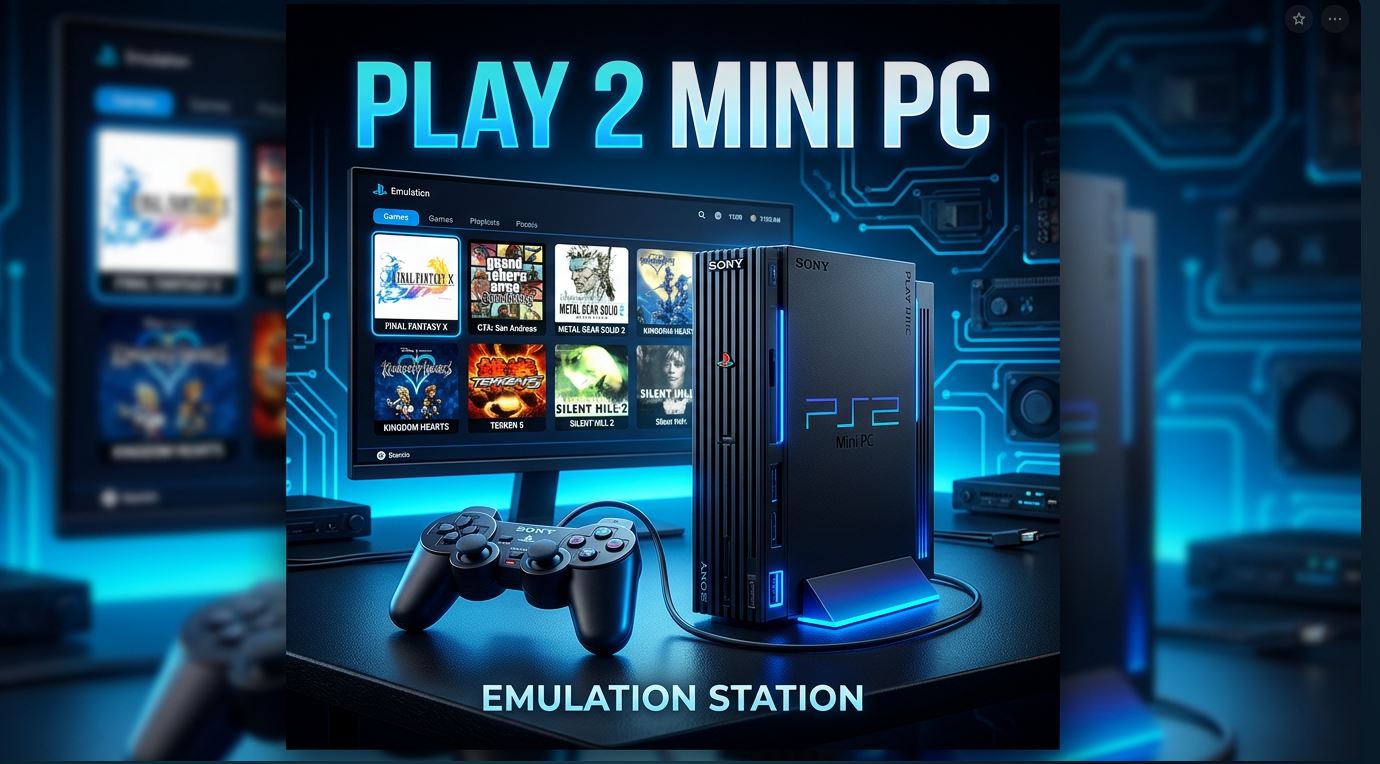
If you have a mini PC at home and want to relive PlayStation 2 classics, from God of War to Gran Turismo 4, you're in the right place.
PCSX2 is the most mature and compatible PS2 emulator available, and with the right settings, you can play at a stable 60 FPS even on modest hardware. This guide will take you from zero to playing, step by step.
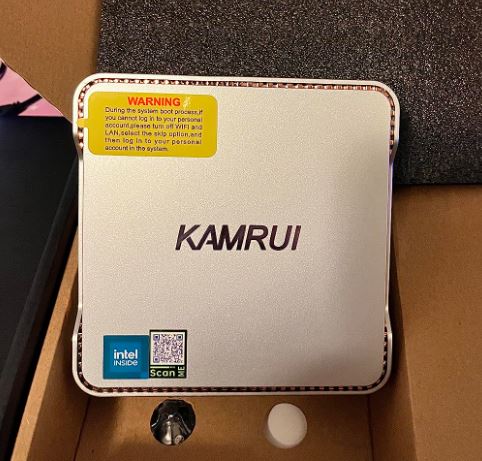
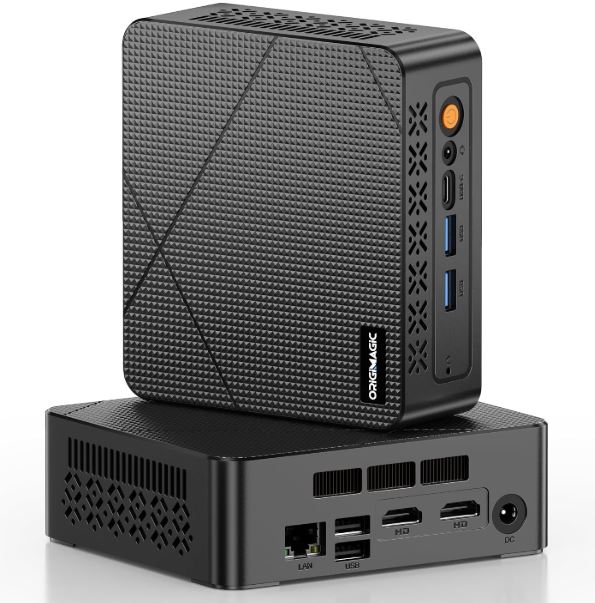
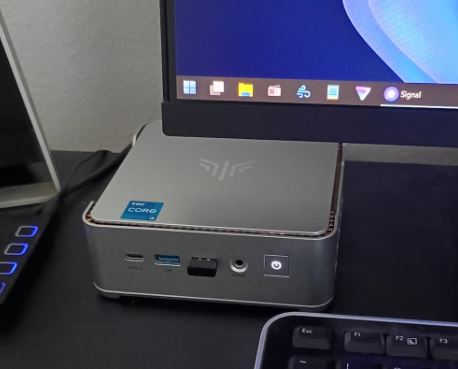
What Mini PC Do You Need to Emulate PS2?
Not all mini PCs are created equal for emulation. PCSX2 relies primarily on the single-threaded performance of the processor, not so much the GPU. Here's a quick guide by budget:
| Processor | PS2 Performance | Resolution | Approx. price |
|---|---|---|---|
| Intel N100 | ⚠️ Fair (40-50 FPS in demanding games) | Native | ~150-250€ |
| Ryzen 5 5600U | ✅ Good (60 FPS in most games) | 1080p upscaled | ~280-350€ |
| Ryzen 7 7735HS (Radeon 680M) | ✅✅ Excellent (60 FPS + improvements) | 1440p | ~450-550€ |
| Ryzen 7 8845HS (Radeon 780M) | 🏆 Maximum (4K upscaled) | 4K | ~600-650€ |
⚠️ Important: Mini PCs with Intel N100 processors are not recommended for PS2 gaming despite their attractive price. Their single-threaded performance (~1850 PassMark) is insufficient for demanding games. The minimum recommended processor is a Ryzen 5 5600U or better.
Recommended Mini PCs
🥇 Mid-Range Option — Ryzen 5/7 5000/6000 Series
Ideal for emulating PS2 at 100% with 1080p upscaling. It offers the best balance between price and performance for this type of use.
🥈 High-end option — Beelink SER8 / GEEKOM A7 (Ryzen 7 7735HS or 8845HS)
With the integrated Radeon 680M or 780M GPU , you'll get PS2 in 4K with all enhancements enabled, plus you can emulate PS3, Switch, and Wii U without any problems.
👉 Ver Mini PC Ryzen 7 7840HS / 8845HS

🥉 Budget Option — BMAX B5A Pro
If you're on a tight budget, these models with N100/N150 chips will work for 2D games and undemanding PS2 titles, although you'll have problems with demanding 3D games.

PCSX2 Minimum Requirements
Before installing the emulator, check that your mini PC meets these requirements:
-
Operating System: Windows 10/11, macOS 11+, or Linux Ubuntu 22.04
-
CPU: Minimum 2 cores (4 cores recommended), with SSE4.1 support
-
GPU: Compatible con Vulkan 1.1, DirectX 11 o OpenGL 3.3
-
RAM: Minimum 8 GB (16 GB recommended)
-
Storage: SSD for fast ISO loading
-
PS2 BIOS: Extracted from an original console (legally required)
Step 1: Download and Install PCSX2
-
Go to the official website: pcsx2.net and download the Nightly version (the most up-to-date version in 2026, with better compatibility).
-
Run the installer and follow the wizard.
-
When you first open the emulator, it will ask for the PS2 BIOS — place it in the folder
biosinside the PCSX2 directory.💡 Without the BIOS, the emulator won't work. This must be legally extracted from your own PS2 console.
Step 2: Optimal Graphics Configuration
This is the most important part to achieve a stable 60 FPS on your mini PC.
2.1 Select the Graphics API
Go to Settings → Graphics and in Graphics API select:
-
✅ Vulkan — The most recommended option in 2026 for AMD (Radeon 680M, 780M) and Nvidia. It offers the best performance and lowest latency.
-
Alternative: DirectX 12 if you have problems with Vulkan on Intel.
-
Use OpenGL only as a last resort (lower performance).
2.2 Internal Resolution
| Tu Hardware | Recommended Resolution |
|---|---|
| N100 / Basic Graphics | Native (1×) — do not scale |
| Ryzen 5 5600U | 2× Native (~720p) |
| Ryzen 7 7735HS (680M) | 4× Native (~1440p) |
| Ryzen 7 8845HS (780M) | 6× Native (~4K) |
2.3 Recommended Additional Settings
-
Anisotropic Filtering: 16× (maximum sharpness in textures)
-
Texture Filtering: Bilinear (Force)
-
Shader Compilation: Async mode to eliminate micro-stuttering when loading shaders for the first time
-
Half-Pixel Offset: Marked (corrects edges in many games)
-
Blending Accuracy: Basic (if you need more FPS) or Medium (more quality)
-
FXAA / MSAA: Disabled on modest hardware, high-end x2 or x4
Step 3: Performance Configuration (CPU)
And a Settings → Emulation:
-
EE Cycle Rate: 100% (do not touch this unless the game requires it)
-
VU Cycle Stealing: Off (only set to Mild if a game is running very slowly)
-
Enable Cheats: Disabled by default
-
Enable Host Filesystem: Desactivado
🔥 NTSC vs PAL Trick: NTSC games run at 60 Hz, while PAL games run at 50 Hz. If you have the PAL version of a game and it seems to be running slowly, it's not the emulator; it's the game's region. Look for the NTSC-U version for maximum performance.
Step 4: Configure the Controls
PCSX2 automatically recognizes modern controllers. These are the most compatible:
-
DualShock 4 / DualSense (PS4/PS5): Wireless connection via Bluetooth, automatic recognition
-
Xbox One/Series: Totalmente compatible via USB o Bluetooth
-
Generic USB controller from AliExpress: Works perfectly with manual mapping
👉 Compatible PS/Xbox Controllers
To configure them: go to Settings → Controllers and click Map to assign the buttons manually if they are not detected automatically.
Step 5: Load the Games
PCSX2 accepts games in the following formats:
-
ISO — The most common and recommended format
-
BIN/CUE — Also compatible
-
CHD — Compressed files, save disk space
To add your library: go to Settings → Game List → add the folder where your ISOs are located. The games will automatically appear with cover art.
💾 Short on space in your mini PC? Add an external USB 3.0 SSD to store your entire PS2 library without any problems.
Troubleshooting Common Problems
❓ The game is running slowly or with FPS drops
-
Lower the internal resolution to 2× or Native
-
Activa VU Cycle Stealing and Mild
-
Change from Vulkan to DirectX 11
-
Verify that the game is the NTSC version, not PAL.
❓ Black screen when starting a game
-
Check that the BIOS is installed correctly
-
Change the graphics renderer (try OpenGL if Vulkan causes problems)
-
Update your GPU drivers
❓ The controls are not responding
-
Go to
Settings → Controllersand force device detection -
Install the ViGEmBus driver if you use an Xbox controller on Windows 11
❓ Noisy or cut-out audio
-
Go to
Settings → Audioand increase the audio buffer to 100–150ms -
Change the audio backend to Cubeb
Recommended Summary Configuration for Mini PC
| Parameter | Optimal value (Mid-range) | Optimal value (High-end range) |
|---|---|---|
| Graphics API | Vulkan | Vulkan |
| Internal resolution | 2–3× Native | 4–6× Native |
| Anisotropic Filtering | 8× | 16× |
| Shader Compilation | Async | Async |
| FXAA | Off | On |
| Blending Accuracy | Basic | Medium |
| VU Cycle Stealing | Off | Off |
PS2 Games That Run Best on Mini PC
PCSX2 boasts near 100% compatibility with the PS2 catalog by 2026. Here are some of the titles that perform best on modest hardware:
-
🎮 God of War I y II
-
🎮 Shadow of the Colossus
-
🎮 Gran Turismo 4
-
🎮 Kingdom Hearts I y II
-
🎮 Metal Gear Solid 3: Snake Eater
-
🎮 Resident Evil 4
-
🎮 GTA San Andreas / Vice City / III
-
🎮 Tekken 5
💡 Conclusion: With a mid-range mini PC based on a Ryzen 5/7 and the correct Vulkan configuration, you have a perfect PS2 emulation machine that fits in the palm of your hand. If you already have a mini PC with an N100 chipset, try the less demanding games; if you're thinking of buying a new one, invest a little more in a Ryzen processor and you won't regret it.